

Web design defines how users understand and interact with the website; web development implements the behavior, content systems, integrations and technical quality. Strong projects connect both through shared requirements, components, content and acceptance criteria.

Key takeaways
- Design is more than visual styling.
- Development is more than converting a picture into HTML.
- Content and measurement belong across both workstreams.
- Handoffs should transfer decisions, states and behavior—not only files.
Who this is for: Business teams scoping a website and deciding which capabilities or specialists they need.
What web design includes
Design turns user and business needs into information architecture, journeys, hierarchy, interface patterns and a responsive visual system.
- Audience and journey definition
- Sitemap and navigation
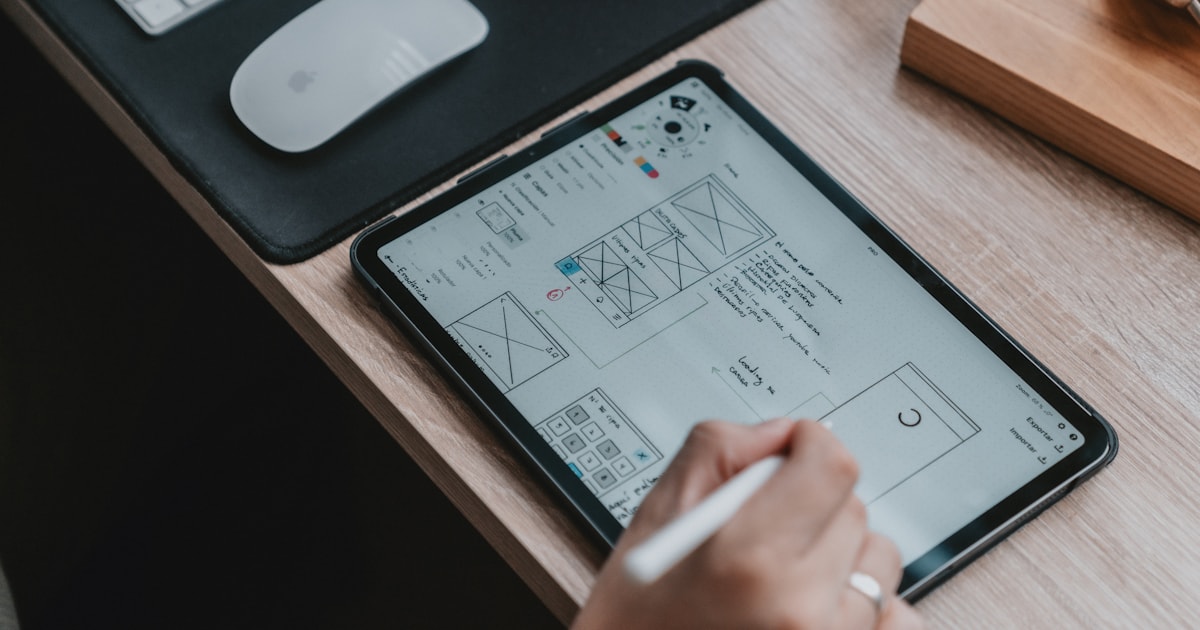
- Wireframes and interaction behavior
- Visual hierarchy and components
- Responsive states
- Accessibility considerations
- Prototype and usability validation
What web development includes
Development turns approved requirements and design decisions into a reliable production system.
- Semantic frontend implementation
- CMS and content model
- Forms and integrations
- Performance and security controls
- Analytics and consent behavior
- Automated/manual testing
- Deployment, monitoring and handover
Deliverables by stage
Use deliverables to clarify responsibility.
| Stage | Design output | Development output |
|---|---|---|
| Discovery | Journeys and information architecture | Technical constraints and integration map |
| Definition | Wireframes and content hierarchy | Architecture and acceptance criteria |
| Design | Responsive component system | Technical spike/prototype where needed |
| Build | Design QA and state clarification | Integrated templates and CMS |
| Launch | Visual/UX acceptance | Technical QA, deployment and monitoring |
Where handoffs fail
A static design cannot describe every state. Teams need shared decisions for loading, empty, error, validation, long content, permissions, keyboard interaction and smaller screens.
Which service do you need?
Choose design when the core need is user experience, hierarchy or a visual system. Choose development when approved experiences need implementation, CMS or integrations. Choose an integrated engagement when requirements and technical possibilities need to evolve together.
How to use this guide with your team
Design reviews are more productive when stakeholders evaluate a specific customer task instead of expressing general visual preferences. Ask whether the hierarchy, evidence and action help the intended visitor move forward.
Use realistic content and difficult states during review. Long service names, validation errors, missing images and small screens reveal whether the system is genuinely flexible.
Record approved patterns and their purpose so later pages remain consistent without forcing every page into an identical composition.
Practical next steps
Use the following actions as a short working session. Record decisions, owners and unresolved questions so the article becomes an implementation aid rather than passive reading.
- 1Review designs through customer tasks.
- 2Use representative real content.
- 3Check mobile, error and empty states.
- 4Document component purpose and behavior.
- 5Validate the implemented page against the design intent.
Frequently asked questions
Can a developer design a website?
Some professionals cover both, but evaluate evidence for both disciplines. Strong coding does not automatically provide UX and visual-design expertise, and vice versa.
Should content be ready before design?
Priority messages and representative real content should be available early. Content and design can evolve together, but placeholder-only design hides important constraints.
Sources and further reading
Last reviewed: September 1, 2026